![atomuslogoupdate.png]](https://portal.atomuscyber.us/hs-fs/hubfs/atomuslogoupdate.png?height=40&name=atomuslogoupdate.png)
-
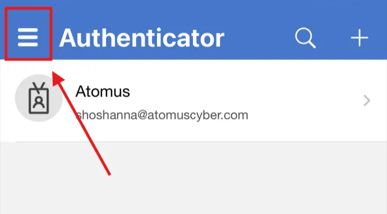
Open the Authenticator app on your phone → Click the three lines in the top left corner
-
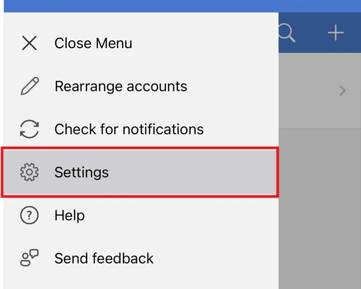
Select Settings tab on left window
-
Click Device Registration under Work or School Account
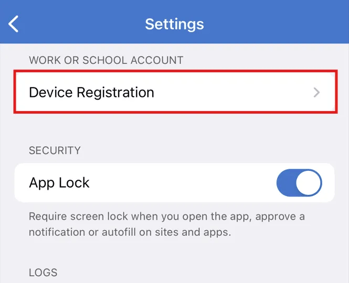
Note: If your device already shows as registered with your organization, no further action is needed. If it does not, proceed with the registration steps below. - Select Register Device
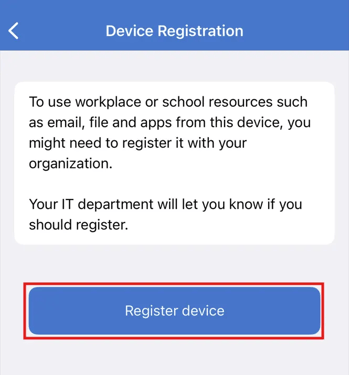
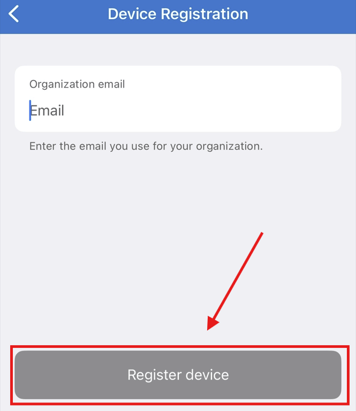
- Enter your organization email and click Register device → Login to your Microsoft account
Your mobile device should now be successfully registered to your organization.