![atomuslogoupdate.png]](https://portal.atomuscyber.us/hs-fs/hubfs/atomuslogoupdate.png?height=40&name=atomuslogoupdate.png)
Generic Visitor Sign-in form
https://form.atomuscyber.us/visitors
This public-facing form allows anyone to submit their visitor information. Visitors must enter the correct employee email for the person accompanying them, otherwise their submission will not be saved.
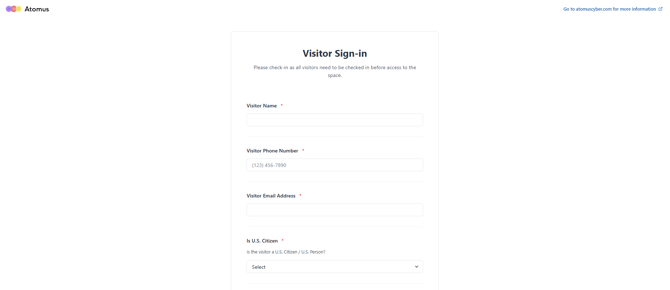
Why should your company use the Generic Visitor Sign-in form?
- If your company does not have a designated kiosk device for visitor sign-in, the generic visitor form is publicly accessible at the URL above.
- The Generic Visitor Sign-In form URL can be converted into a QR code using any online QR code generator, allowing visitors to scan and complete the form from their own devices.
Company Specific Visitor Form
https://form.atomuscyber.us/company-visitors
This form requires an existing company employee to sign in before visitors can access it.
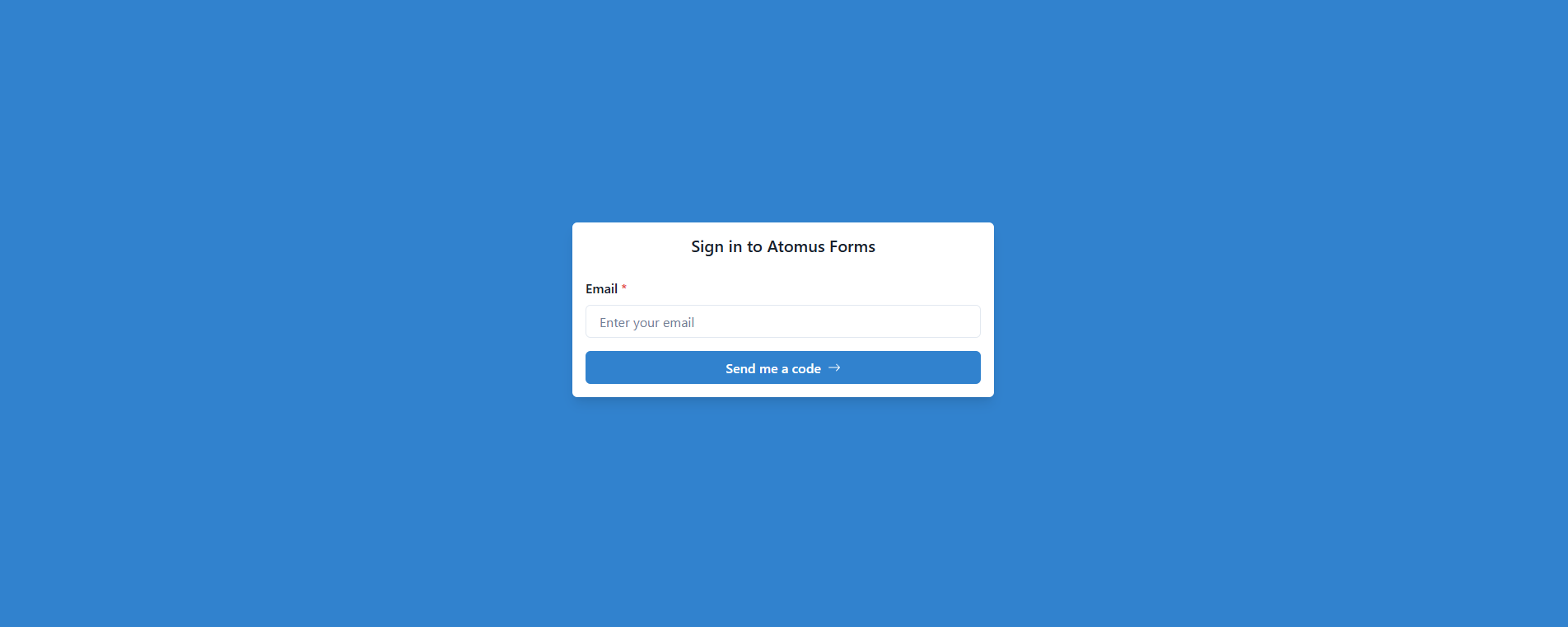
Once signed in, visitors can:
- Select from a list of existing employees instead of manually entering contact information
- Select their office location if the company operates multiple sites
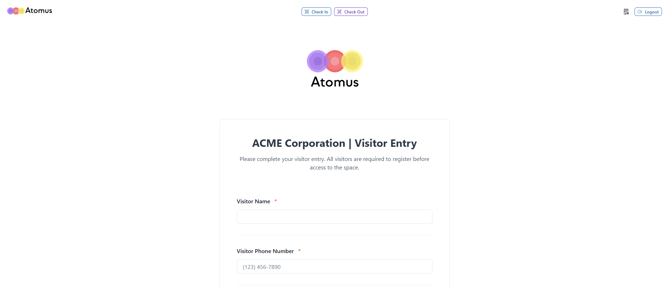
Check-in / Check-out QR code
An additional feature of the company-specific visitor form is the check-in / check-out QR code. Visitors are provisioned a unique QR code that can be scanned at a kiosk running the company-specific form. At the top of the kiosk screen, visitors select either Check-In or Check-Out, then scan their QR code instead of manually completing the full visitor form.
Generate visitor QR code
QR codes must be generated by a Company Admin with access to the Compliance Portal:
- Navigate to the Visitors tab
- Select Send an Invitation
- Complete the invitation form
- The visitor will receive their QR code via email