Enable Microsoft SSO for Firefox on MacOS
Last updated: September 30, 2026
Firefox now includes a built‑in Microsoft Entra SSO toggle:
Open Firefox.
In the URL bar, type:
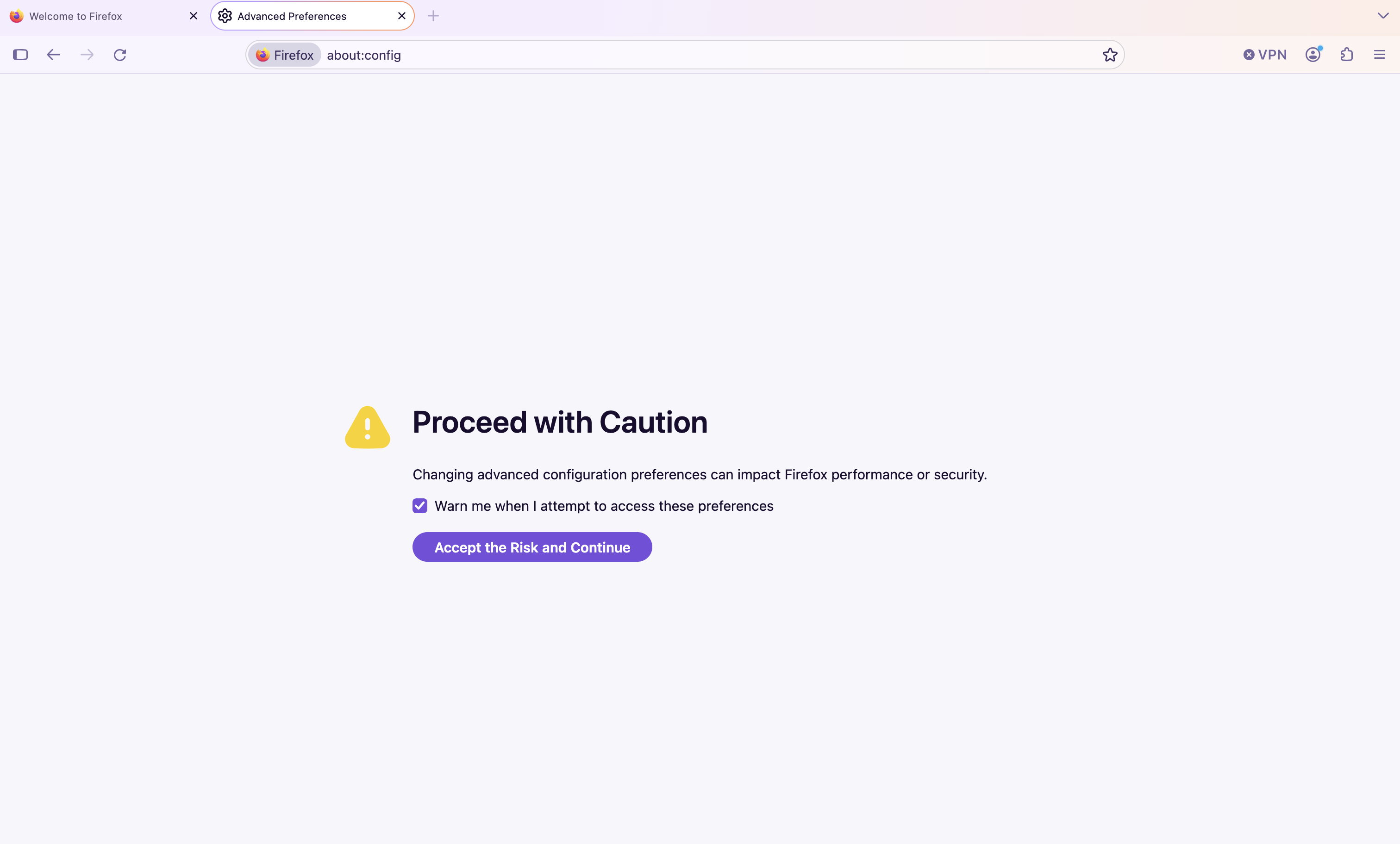
about:configYou will likely see a warning show up saying "Proceed with Caution." If you do, click "Accept the Risk and Continue"
In the textbox that says "Search preference name," type:
network.http.microsoft-entra-sso.enabled
It will likely show up with the word "false" next to it.
If it shows up with the word "true" next to it... STOP - Do not proceed. No further action is required.
Click the two arrows (toggle) icon on the far right to set this setting to "true."
Once you see this, you can close the window. Your sign-in to Microsoft on Firefox should now work successfully on your MacOS device.
